Mobile app · Product design · 2026
Shine
A habits, tasks and focus app guided by five elements: water, air, metal, earth and fire. People choose what they need today, and Shine shapes their focus, reminders and progress around it.
The story
Most productivity apps look like spreadsheets: lists, streaks, red badges. I wanted one that feels like a ritual instead, calm enough to open first thing in the morning.
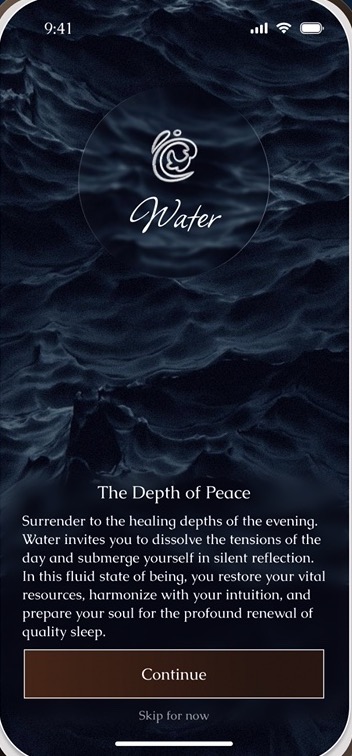
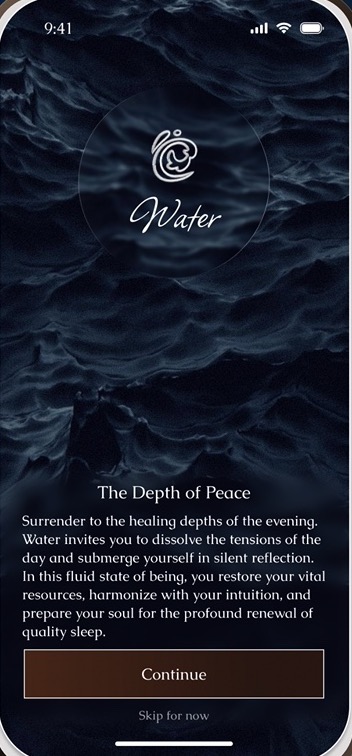
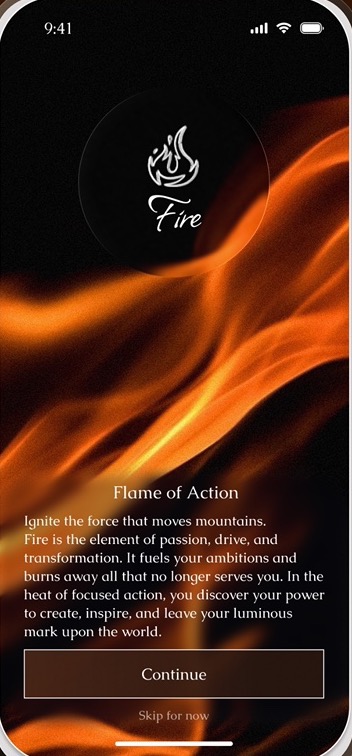
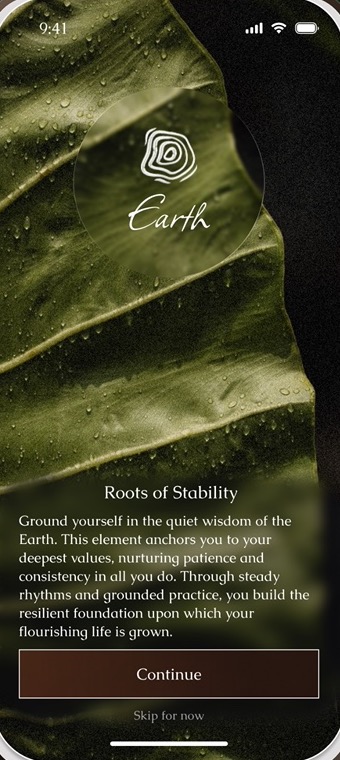
Shine borrows the five elements. Each one stands for what a person needs from the day: Water to rest and heal, Air to explore and learn, Metal for deep focus, Earth to build a routine and Fire to act and execute.
The chosen elements set everything: the colours and theme, the sounds in focus mode, the tone of reminders and the balance chart at the end of the week.
The idea
Intentions, not to-dos
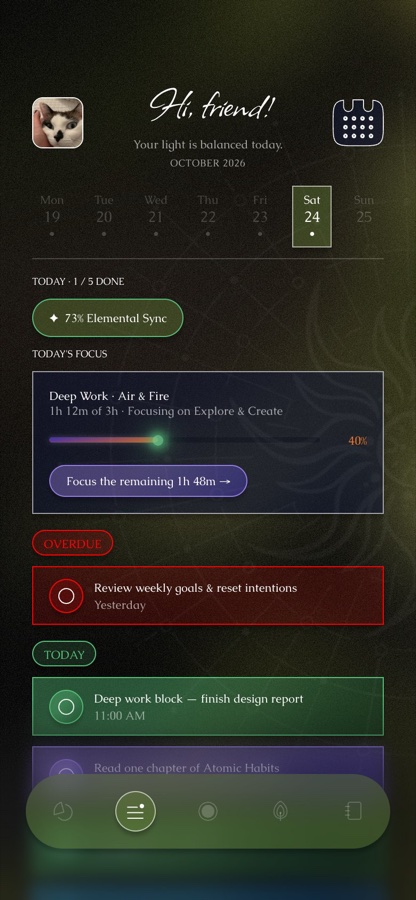
The day starts with “Which elements will guide your day?” and tasks are tagged by element.
Focus in one place
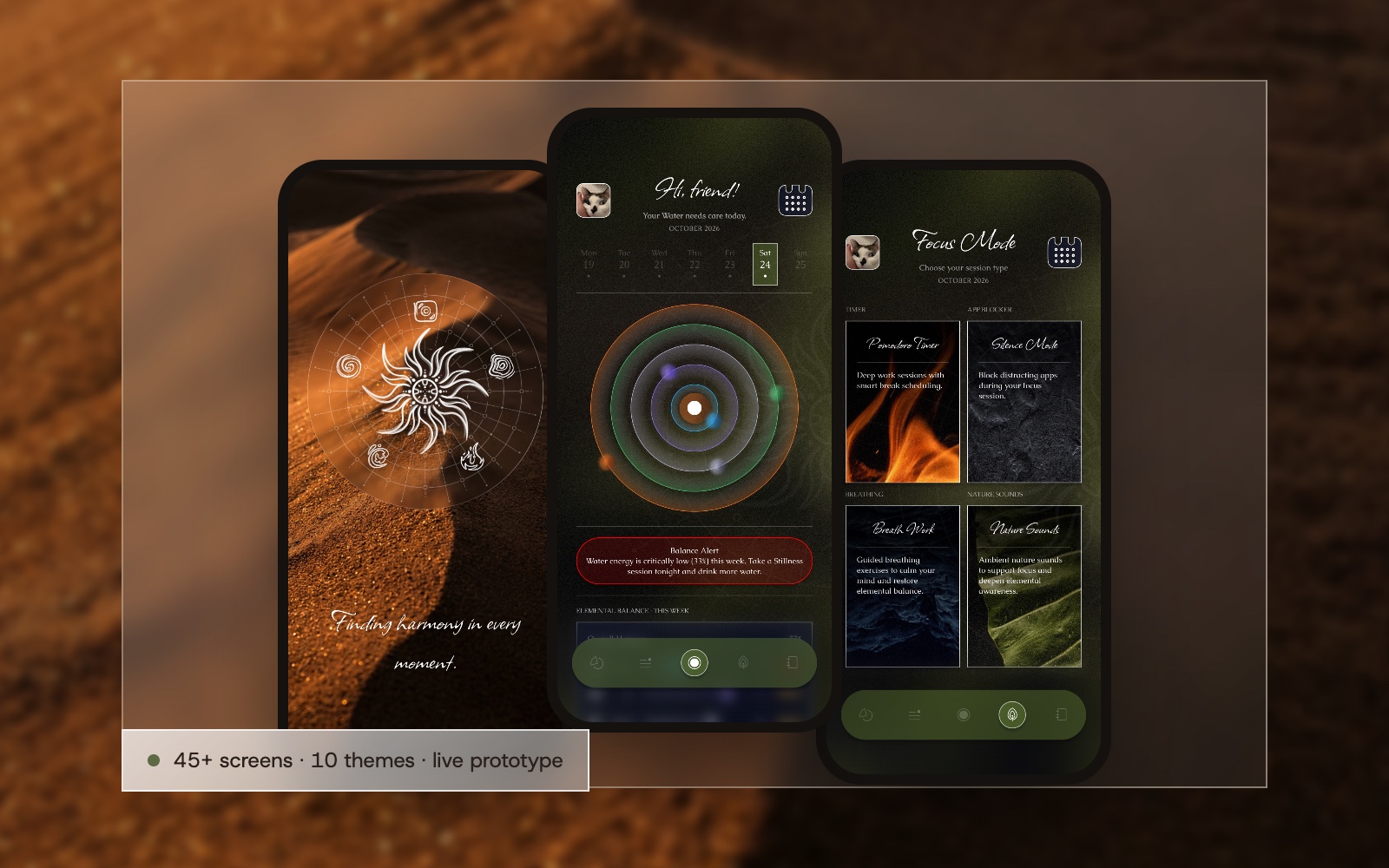
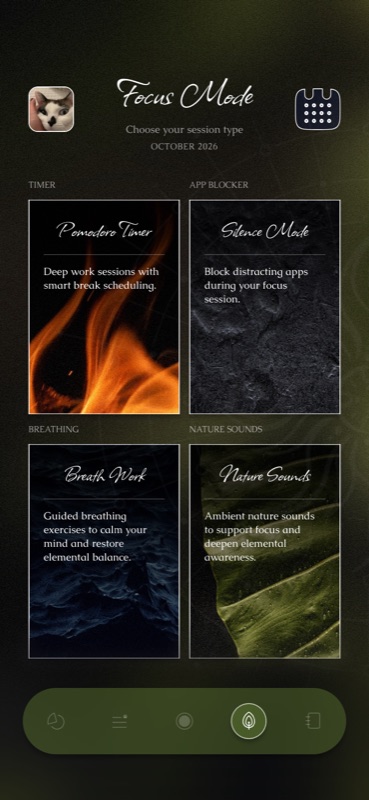
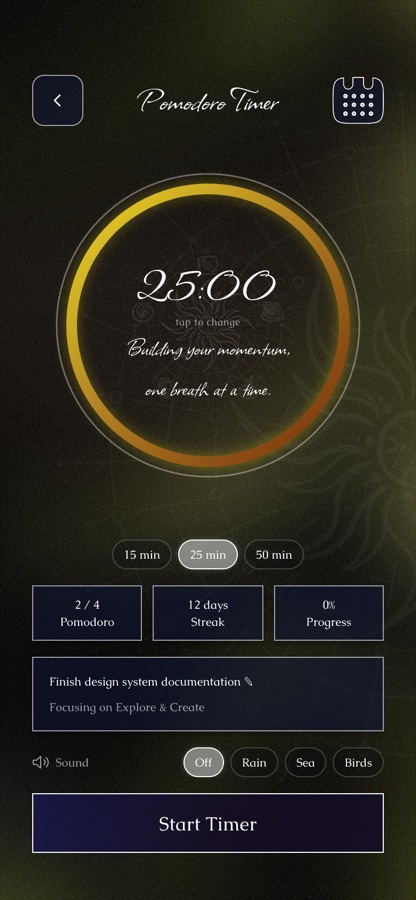
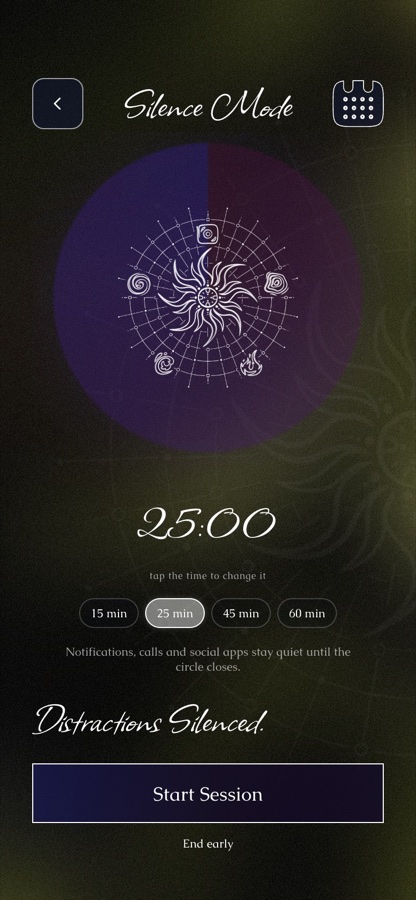
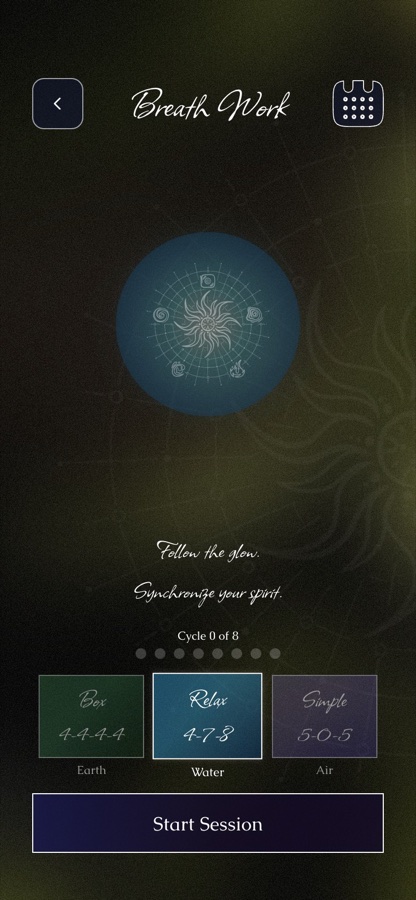
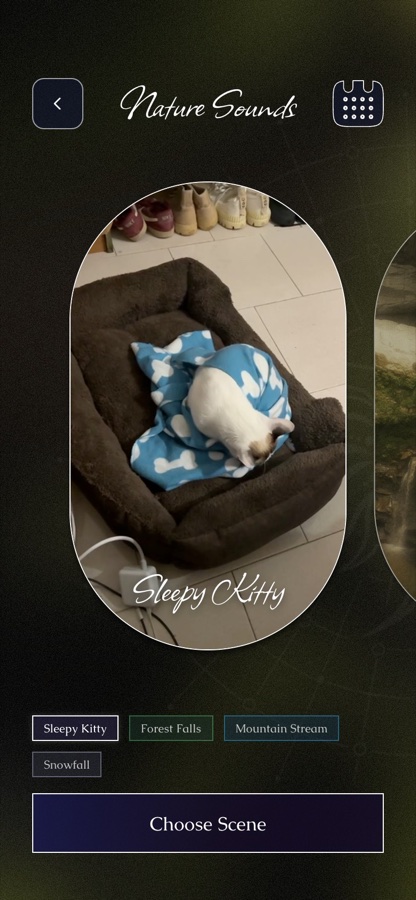
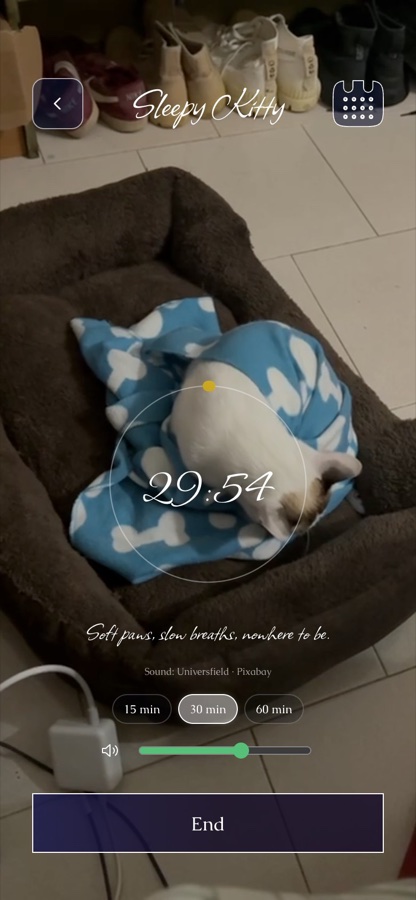
Pomodoro timer, app blocker, breathing and nature sounds share one focus mode.
Progress as balance
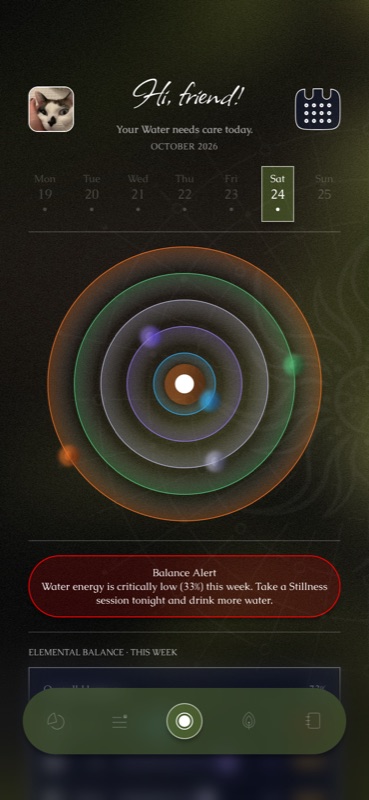
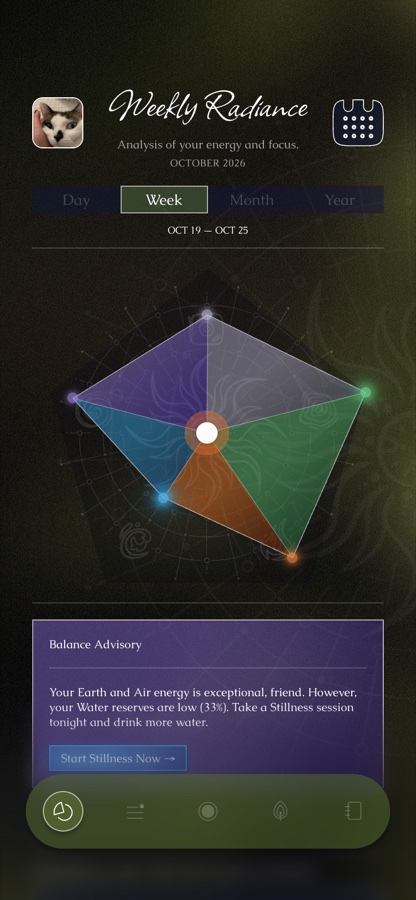
Weekly Radiance shows the five elements as one shape, and a journal adds mood and smart insights.
Friends, gently
Habit battles with a friend: a week, a score, and no shame for a missed day.
The first morning
Onboarding takes a minute and already shapes the app.
- Step 1
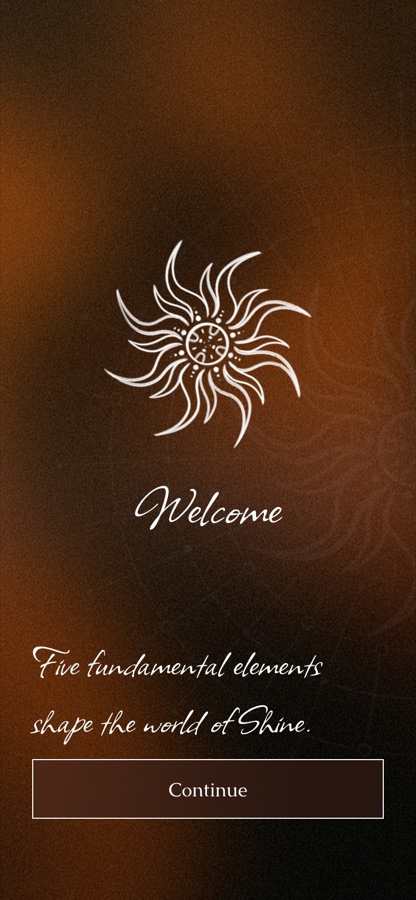
Welcome
“Five fundamental elements shape the world of Shine.”
- Step 2
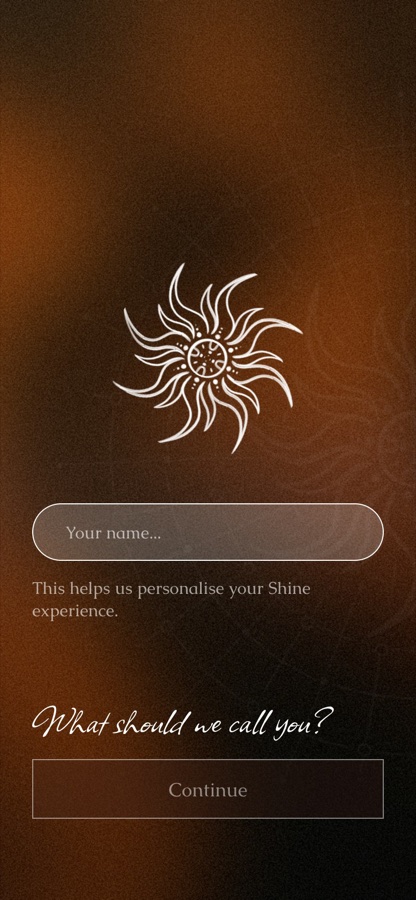
Your name
“What should we call you?” makes every greeting personal.
- Step 3
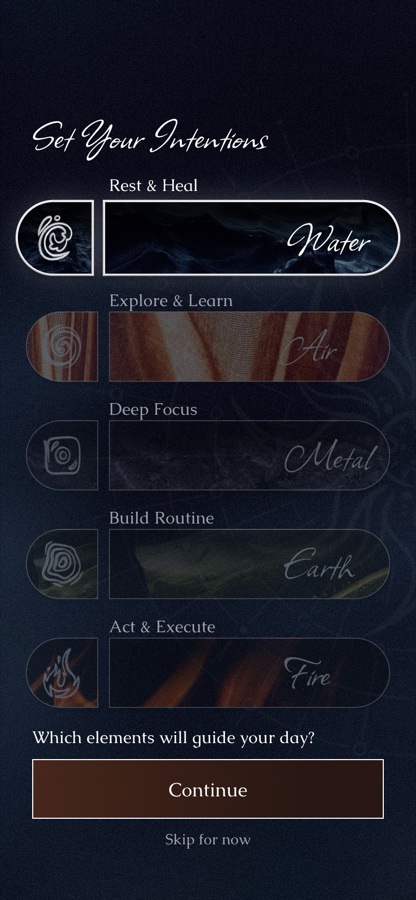
Your elements
Set intentions: Rest & Heal, Explore & Learn, Deep Focus, Build Routine, Act & Execute.
- Step 4
Ready
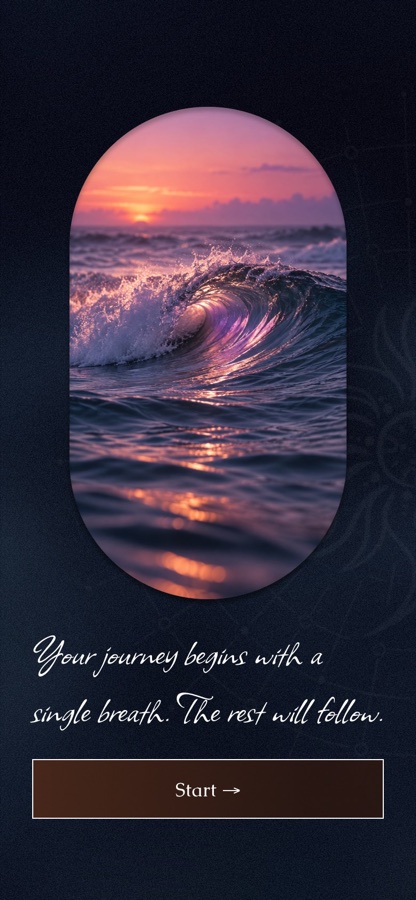
“Your journey begins with a single breath” and the home screen opens.
Design system
Every element has its own gradient. Together they make the colour system of the app.
Focus Mode
Deep work sessions with smart break scheduling.
On a phone
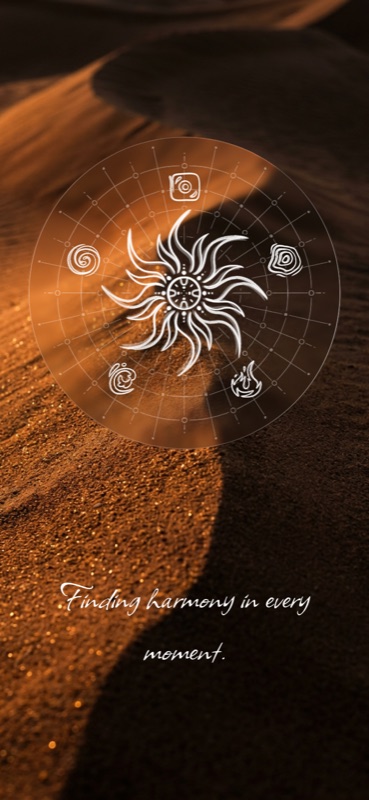
From the splash screen to home and focus mode. Open the live prototype to click through all 45+ screens.
Inside the app
Onboarding, focus tools, progress, the social side and settings.
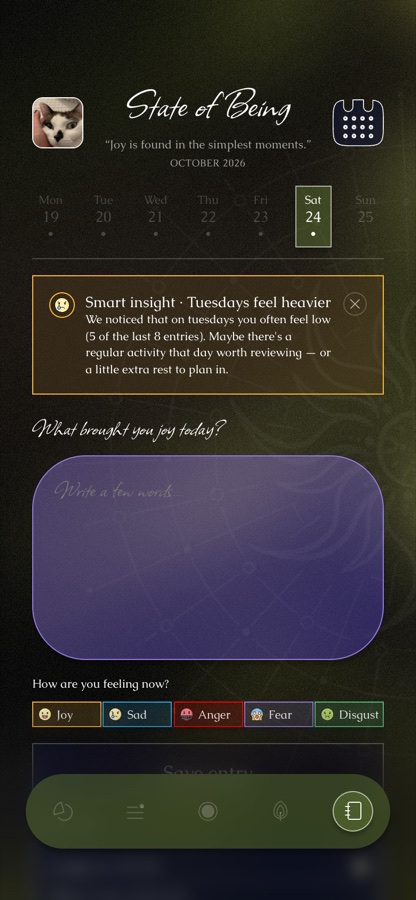
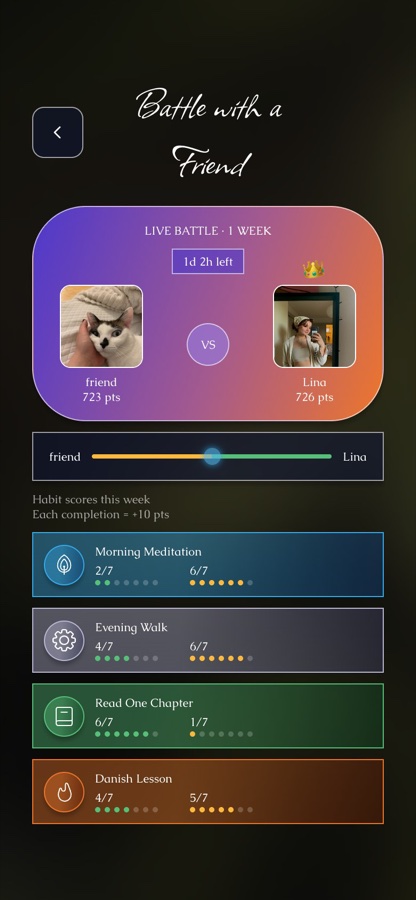
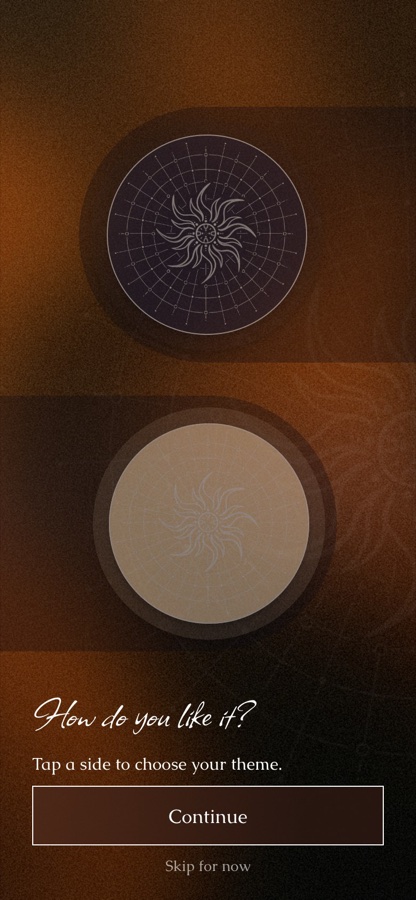
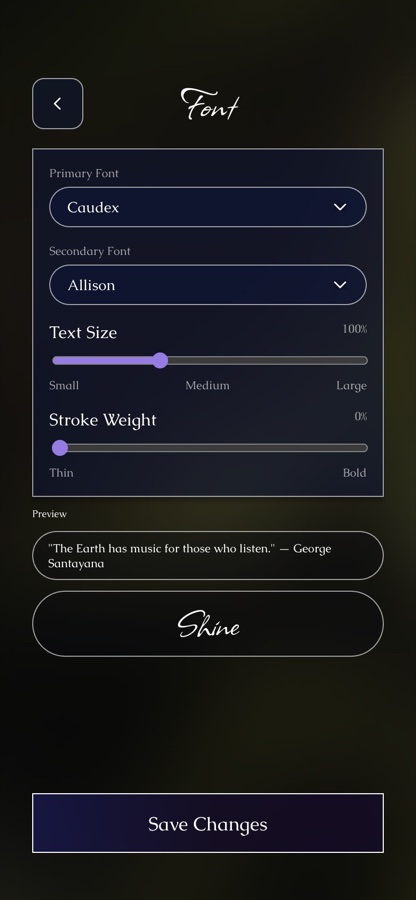
Five elements
Each element has its own colours, symbol and sounds, in a light and a dark theme.
Decisions & details
The parts that took the most thought.
Calm, but still useful
What I didScript titles and dark gradients set the mood, while timers, lists and buttons stay plain and easy to read.
Personal without a long setup
What I didThree short onboarding questions shape the theme, sounds and reminders.
Accessibility in a moody UI
What I didSettings let people change the fonts, text size and stroke weight, and pick a light theme for every element.
See it liveOpen flow-tick-flax.vercel.app ↗Click through onboarding, pick an element and start a focus session.
What I did
- ConceptCreated the five-element idea and the app structure: onboarding, intentions, home, focus, analytics, journal and challenges.
- UXMapped the flows and wrote the copy for each screen.
- UI designDesigned 45+ screens and 10 themes in Figma.
- PrototypeBuilt a live clickable prototype with Claude Code and published it on Vercel.
Have a project in mind?
Let's make it clear and beautiful
Tell me about it in a few lines. I usually reply within a day.
- I reply within a day
- Based in Denmark · CET
- Open to product, web & apps
- Remote or on-site in Europe
- UI / UX · Web · Mobile
- Ukrainian · Polish · English
- BehanceSee projects ↗
- LinkedInConnect ↗
- UpworkHire me ↗
- DribbbleShots ↗
- InstagramFollow ↗
- TelegramWrite ↗